# Stop actieve proces?
**URL:** https://forums.concretecms.org/t/stop-actieve-proces/3261
**Category:** Using Concrete / Help
**Created:** [June 12, 2022, 7:29am UTC](https://forums.concretecms.org/t/stop-actieve-proces/3261 "2022-06-12T07:29:35Z")
**Posts on this page:** 5
**Page:** 1
### Author:  [@JaPPa](https://forums.concretecms.org/u/JaPPa)
#### Post date: [June 12, 2022, 7:29am UTC](https://forums.concretecms.org/t/stop-actieve-proces/3261/1 "2022-06-12T07:29:35Z")
Hi there,
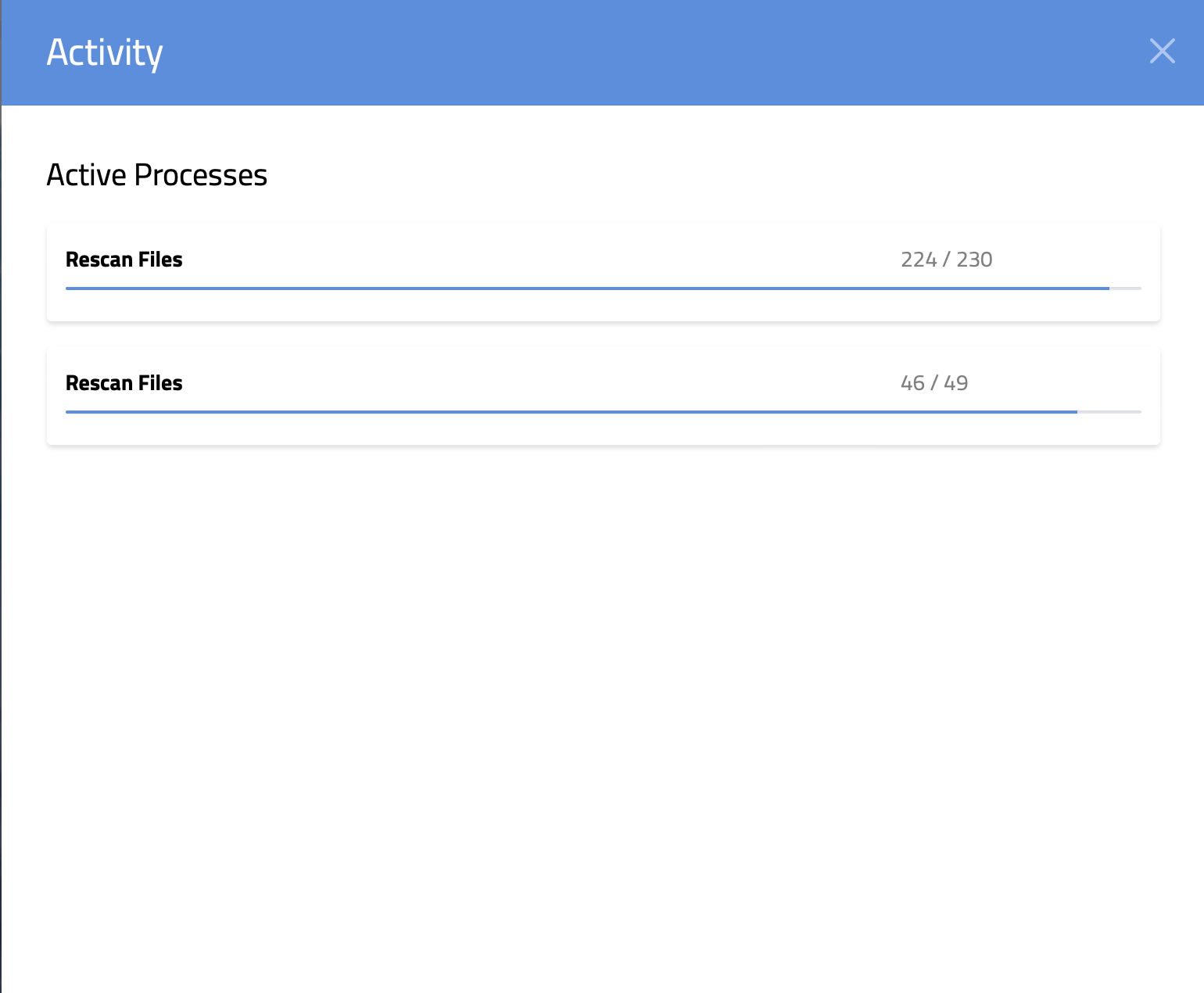
I’ve re-scanned a lot of files and I get an errors saying there is not enough memory. The activities are still running for 12 hours now without showing any progession. How do I kill/stop the the activities?
---
### Author:  [@jessicadunbar](https://forums.concretecms.org/u/jessicadunbar)
#### Post date: [June 13, 2022, 1:30pm UTC](https://forums.concretecms.org/t/stop-actieve-proces/3261/2 "2022-06-13T13:30:02Z")
Hi This can sometimes happen memory limit set in php.ini is too low. First, lets check to see what your PHP.ini value is. This information is summarized in the Concrete CMS Dashboard \> System & Settings \> Environment \> Environment Information section. Next Make note of your existing settings. It should look something like:
memory\_limit 128M
post\_max\_size 100M
upload\_max\_filesize 100M
max\_execution\_time 30
Make sure your PHP Memory Limit at least 64 MB. Larger sites will need more resources.
---
### Author:  [@JaPPa](https://forums.concretecms.org/u/JaPPa)
#### Post date: [June 15, 2022, 12:39pm UTC](https://forums.concretecms.org/t/stop-actieve-proces/3261/3 "2022-06-15T12:39:43Z")
Hi,
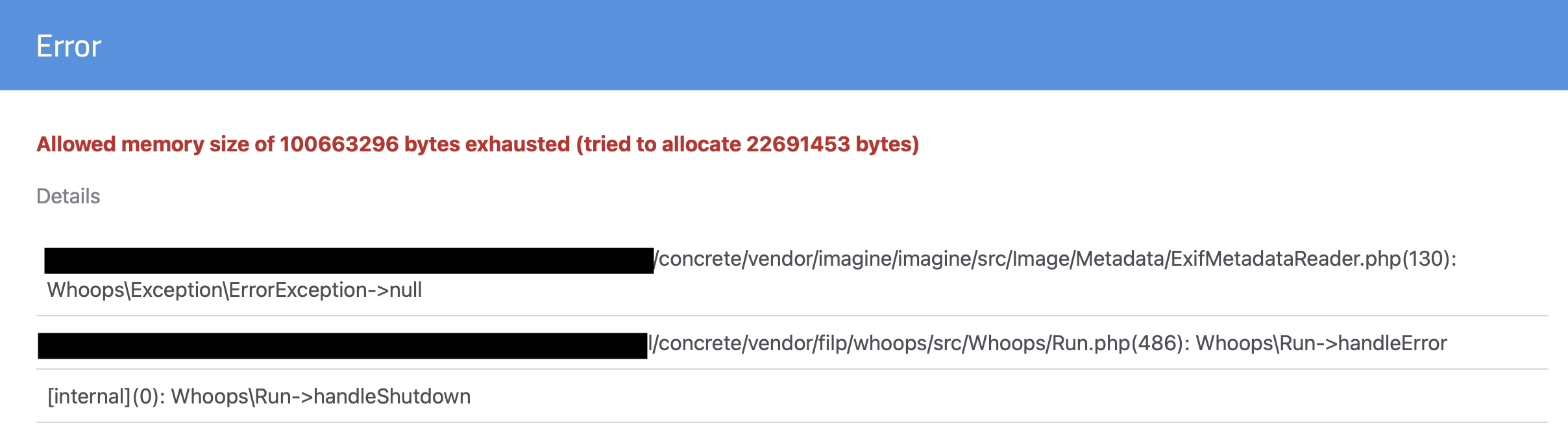
I’ve added the error message too.
I’ve check the environment page and these values popped up:
max\_execution\_time - 30
memory\_limit - 96M
post\_max\_size - 32M
upload\_max\_filesize - 32M
I see a few options which one should I up to at least 64MB?
apc.shm\_size → 32M
memory\_limit → 96
opcache.memory\_consumption → 128
---
### Author:  [@jessicadunbar](https://forums.concretecms.org/u/jessicadunbar)
#### Post date: [June 23, 2022, 5:30pm UTC](https://forums.concretecms.org/t/stop-actieve-proces/3261/4 "2022-06-23T17:30:24Z")
> [@JaPPa](#):
>
> max\_execution\_time - 30
> memory\_limit - 96M
> post\_max\_size - 32M
> upload\_max\_filesize - 32M
Try bumping those values up.
When you login to the dashboard, do you see the checklist in the upper right?
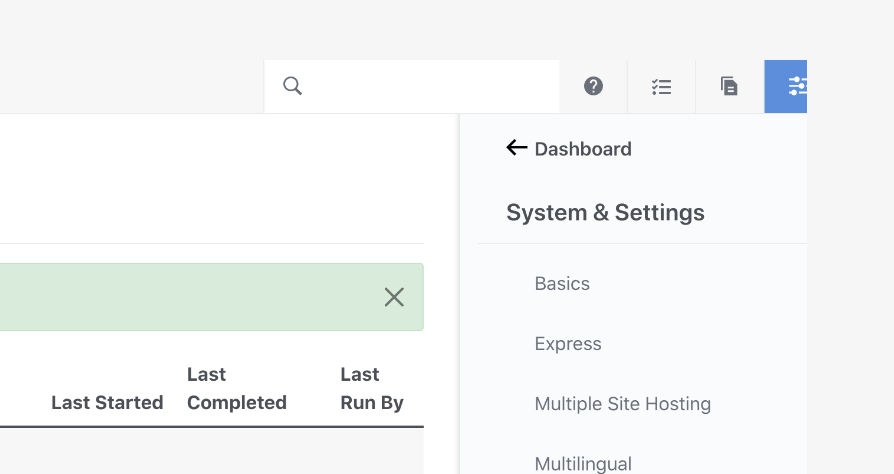
Here is another helpful thread
> [@V9 feature request for Tasks](https://forums.concretecms.org/t/v9-feature-request-for-tasks/3227):
>
> Hi There, V9.1.1 The new tasks allow automation of common tasks but I would like the ability to create my own scheduled task or you should extend the list of capabilities. I want to automatically expunge files that are uploaded to a directory after a certain time period has expired, i.e. 90, 180 or 365 days, maybe even longer like 3 years. Can the tasks be enhanced to allow this to occur? It would only be a specific directory and could include subfolders or not. Thanks
---
### Author:  [@JaPPa](https://forums.concretecms.org/u/JaPPa)
#### Post date: [June 24, 2022, 11:38am UTC](https://forums.concretecms.org/t/stop-actieve-proces/3261/5 "2022-06-24T11:38:33Z")
Thank you for your reply @jessicadunbar !
> [@jessicadunbar](#):
>
> Try bumping those values up.
I’ve bumped these settings up to following:
> max\_execution\_time - 300
> memory\_limit - 256M
> post\_max\_size - 64M
> upload\_max\_filesize - 64M
Some if these changed did the trick, sort of. One rescan process is done and the other went up two files, but is hanging on the last three files the last 18 minutes.
> [@jessicadunbar](#):
>
> When you login to the dashboard, do you see the checklist in the upper right?
Yes I do see that activity icon all the time.
I still wished there was a cancel button to get rid of the task.