We are developing a site for a customer in C5 v9.4.6. When we go to style customizer we have two problems:
The RESET feature is no longer available which was in v 8.5.x. Where is this (and if not available, why is it not a feature /safety valve?),
When using the customizer, we apply a style to an element (ex: navbar text color). We save and apply to the entire site. When we view the size, the NEW style is not engaged.
Summary Comments:
We understand that this is a community driven site and contributors are not responsible for features such as in item 1 above, maybe someone has and insight as to how to revert a style,
We have cache turned off, cleared browser cache, tried 3 different browsers. The style is just not getting applied. We went back into the customizer and the style we applied in not there - the original style is. We changed the style in our preset and still no go. I’m guessing/supposing that once the styles are loaded from the preset they are stored in the DB???
This site is so close to be deployed, but we don’t want to do so for fear that the Customer may do something in the Customizer and basically mess up the styles with no way of reverting.
In P&T, I click on “Configure” → Launch Customizer", click on “Skins and Customizer”
(Pencil) and am presented with my Theme Styles. When I select a theme style, I get no other options except to edit the styles. No Reset, no Export. Only the ability to edit the styles and SAVE or return to the theme selections.
I should have mentioned this theme is a Cloned Copy of Elemental Full Site.
Thinking that I missed something (unlikely, but one never knows) I just tried a New V9.4.7 Elemental Install. No changes/edits, just a a normal full install - the same results.
In did the same thing with an 8.x install (Full Elemental) and it’s all good.
To be honest, I gave up using the built-in customizer because I found the lack of ‘granularity’ in the reset function frustrating. It’s all or nothing. I’d like each setting to have it’s default available so I can tweak a setting and then reset that setting back individually rather than having to kill all customisation and start over from scratch.
I have similar reservations. Add lack of traceability. There is no simple way to audit “How has this theme been modified”
As an alternative, adding a site-wide custom css file puts all modifications in one place, comments can be added, and its much easier to maintain. But that only works for those who can write some css.
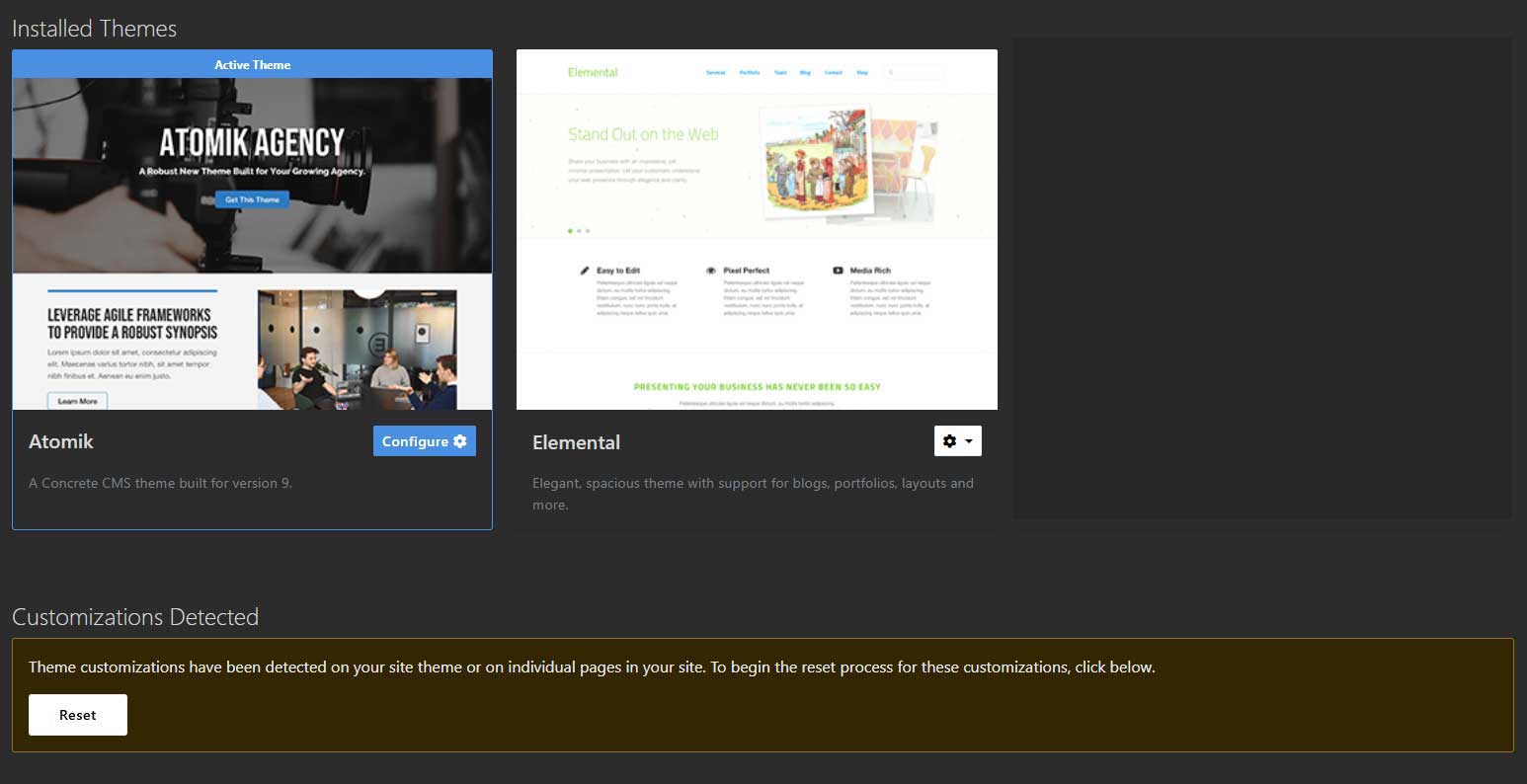
 .
.