CSS Customization for Theme Design Not Reflecting
Thank you for your continued support.
I apologize for the lengthy message.
I am using the Modena theme with ConcreteCMS 9.4.8.
I tried to change the header and footer colors of my site by customizing the theme design via “Page Settings” → “Design” → “Customize” → “Presets,” changing the colors and text, and saving the style, but it’s not reflecting correctly.
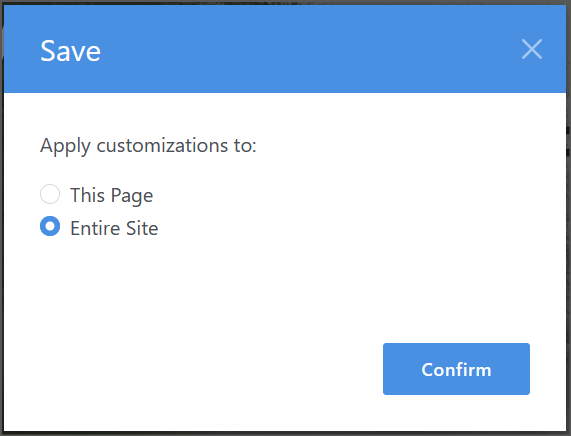
Saving on “This Page” changes the homepage, but navigating to other pages and saving on “This Page” doesn’t reflect the changes, and the changes don’t appear anywhere on the “Entire Site.”
I’ve disabled all “Cache and Display Speed Settings” in the ConcreteCMS settings screen, disabled all speed optimization settings on my hosting provider, and cleared my browser cache, but the problem persists.
The only thing I can think of is that the site was previously upgraded from ConcreteCMS 8.5.17 with PHP7 to ConcreteCMS 9.4.1 with PHP8.
At that time, I was using PHP7, then upgraded to ConcreteCMS 9.4.1, and then to PHP8. (The database remained the same.)
The site itself looked fine, so I continued to operate it as is, but is there a problem now?
Is there any way to fix this situation where design changes are not reflected?
I got stuck, so I tried installing ConcreteCMS 9.4.8 from scratch, uploading only the files, and using the database from the previous site, but the problem persisted.
Is the database the problem?
Could someone please advise me?
# Concrete Version
Core Version - 9.4.8
Version Installed - 9.4.8
Database Version - 20250827152432
# Hostname
sv10000.xserver.jp
# System User
dsds
# Environment
production
# Database Information
Version: 10.5.13-MariaDB-log
SQL Mode:
Character Set: utf8mb4
Collation: utf8mb4_unicode_ci