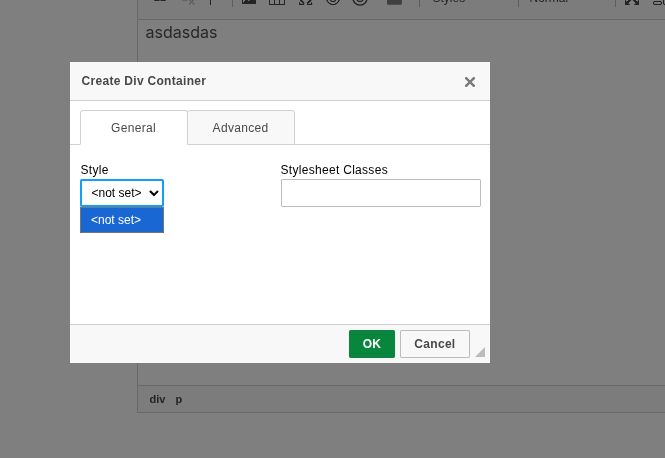
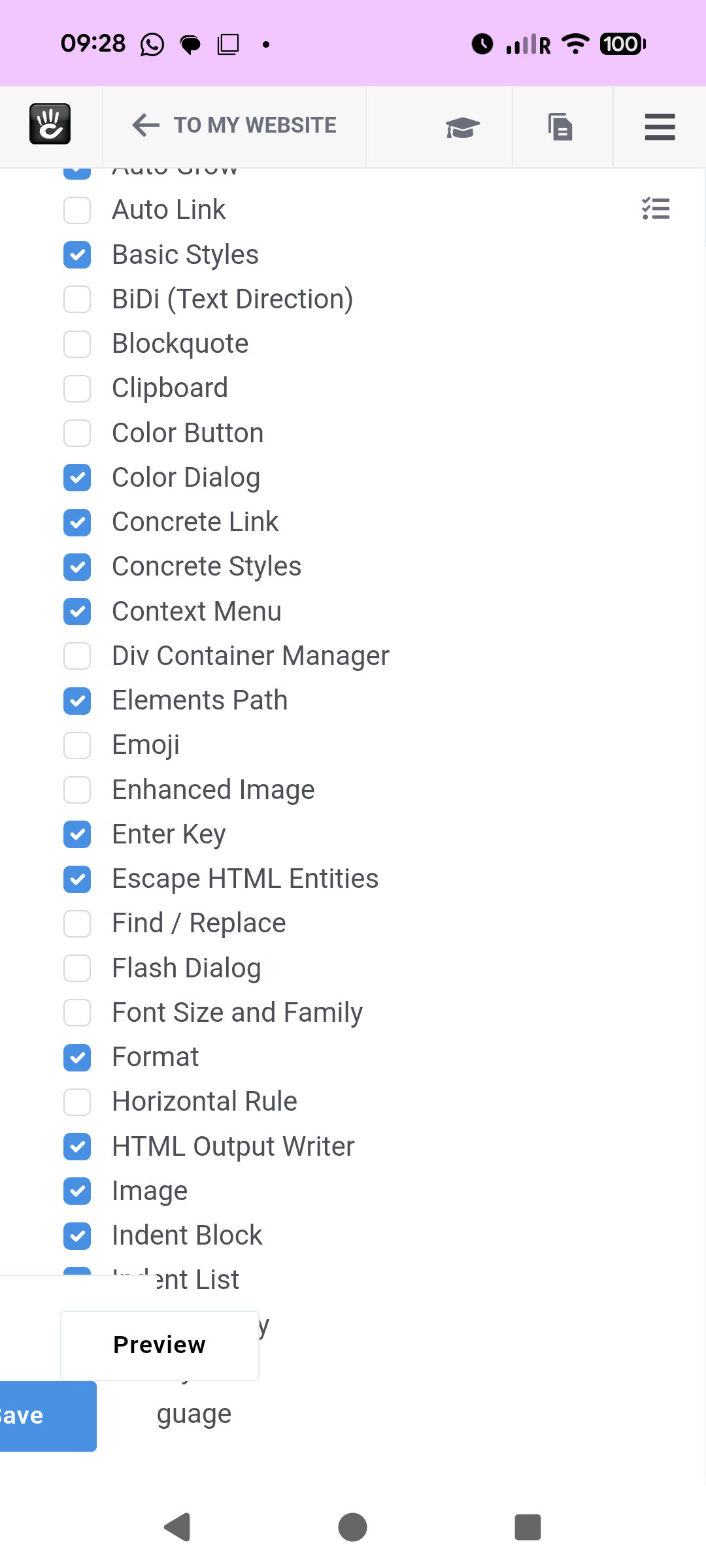
Not quite what you want but you can add divs using the style drop down in the normal content editor?
Look in your page_theme.php and do something like this
<?php
namespace Application\Theme\YourTheme;

use Concrete\Core\Page\Theme\Theme;

class PageTheme extends Theme
{
    public function getThemeEditorClasses()
    {
        return [
            [
                'title'      => t('Highlight Box'),
                'element'    => 'div',
                'attributes' => ['class' => 'highlight-box'],
            ],
            [
                'title'      => t('Two Column Wrapper'),
                'element'    => 'div',
                'attributes' => ['class' => 'two-col-wrapper'],
            ],
            [
                'title'      => t('Button Wrapper'),
                'element'    => 'div',
                'attributes' => ['class' => 'button-wrapper'],
            ],
        ];
    }
}
This will add three options to the style drop down.
You then select where you want or content and it will place a div with its class name there or around the content you selected.
Or you could try and see if this works
Add this code to the concrete.php in you config file
return [
    'editor' => [
        'ckeditor4' => [
            'plugins' => ['concrete5styles', 'concrete5filemanager', 'concrete5lightbox', 'div'], // ensure 'div' is present
            'div' => [
                'allowedContent' => true,
                'contentsCss' => ['/application/css/editor.css'], // optional: your custom editor CSS
                'styles' => [
                    [
                        'name' => 'Highlight Box',
                        'element' => 'div',
                        'attributes' => ['class' => 'highlight-box'],
                    ],
                    [
                        'name' => 'Two Column Wrapper',
                        'element' => 'div',
                        'attributes' => ['class' => 'two-col-wrapper'],
                    ],
                    [
                        'name' => 'Button Wrapper',
                        'element' => 'div',
                        'attributes' => ['class' => 'button-wrapper'],
                    ],
                ],
            ],
        ],
    ],
];
I haven’t tested this as ran out if time but see if it works
Also try this page