I’m trying to display the log data stored in a file, but I haven’t been able to do so yet.
Any help would be appreciated.
What I did
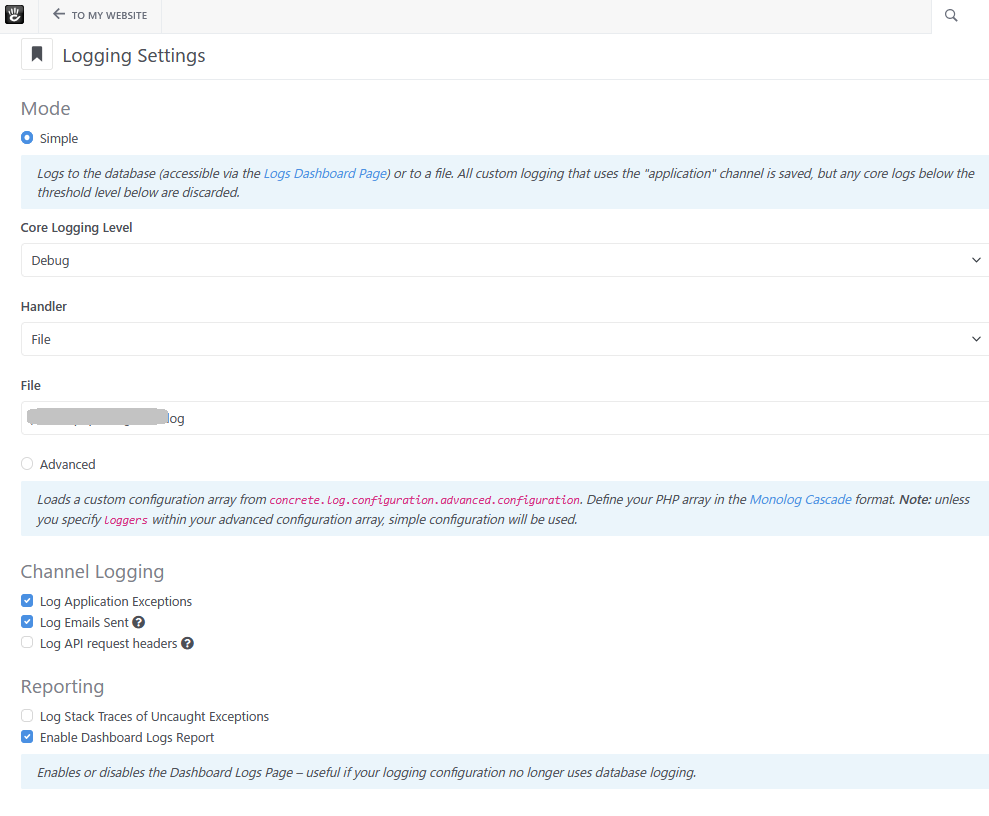
I set the logging handler “File” in System & Settings > Environment > Logging Settings.
Also, I checked the “Enable Dashboard Logs Report” option.
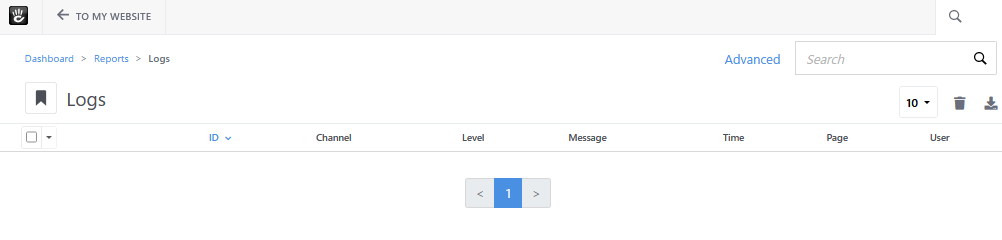
When I visit Reports > Logs, no log data is shown.
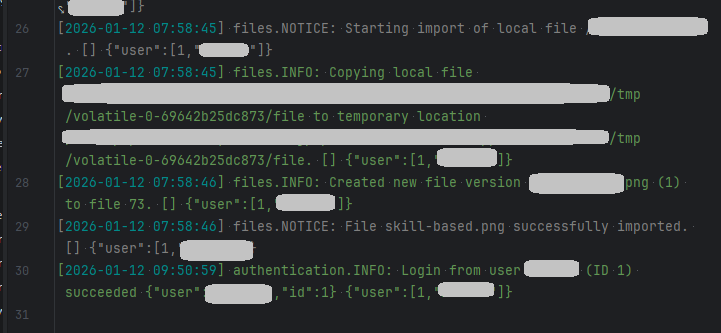
When I see the log file on the server, it seems the log data is stored.
Yes only the logs saved in the database are accessible from the dashboard
Thank you for a quick reply.
I understand that the dashboard only allows access to logs that are saved in the database.
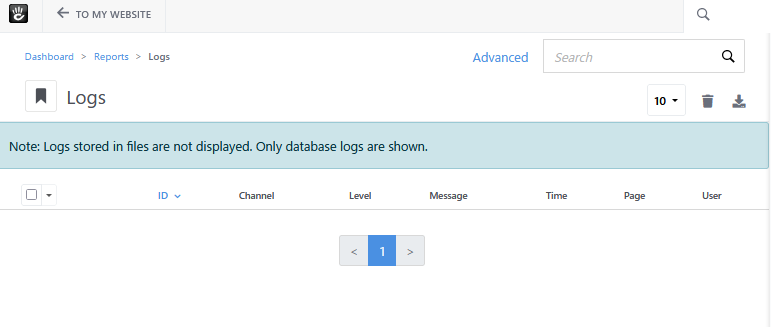
I made a pull-request showing the notification message when the logging handler is set to file.