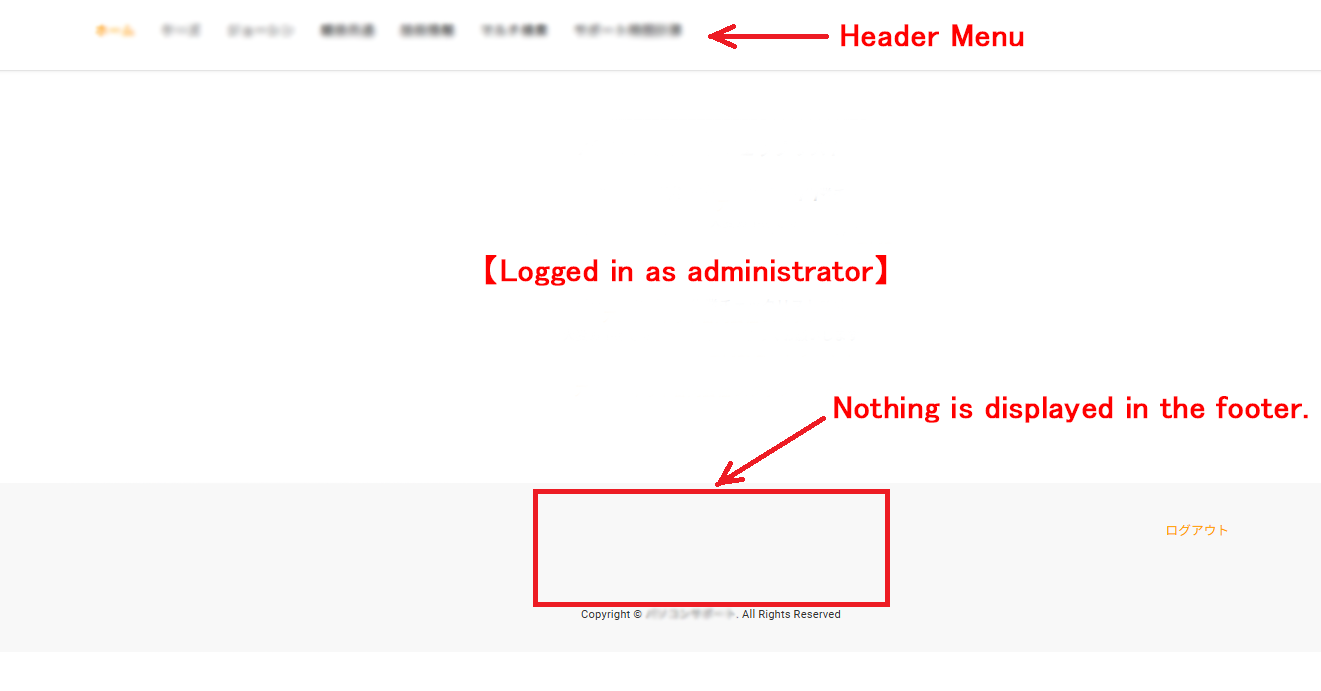
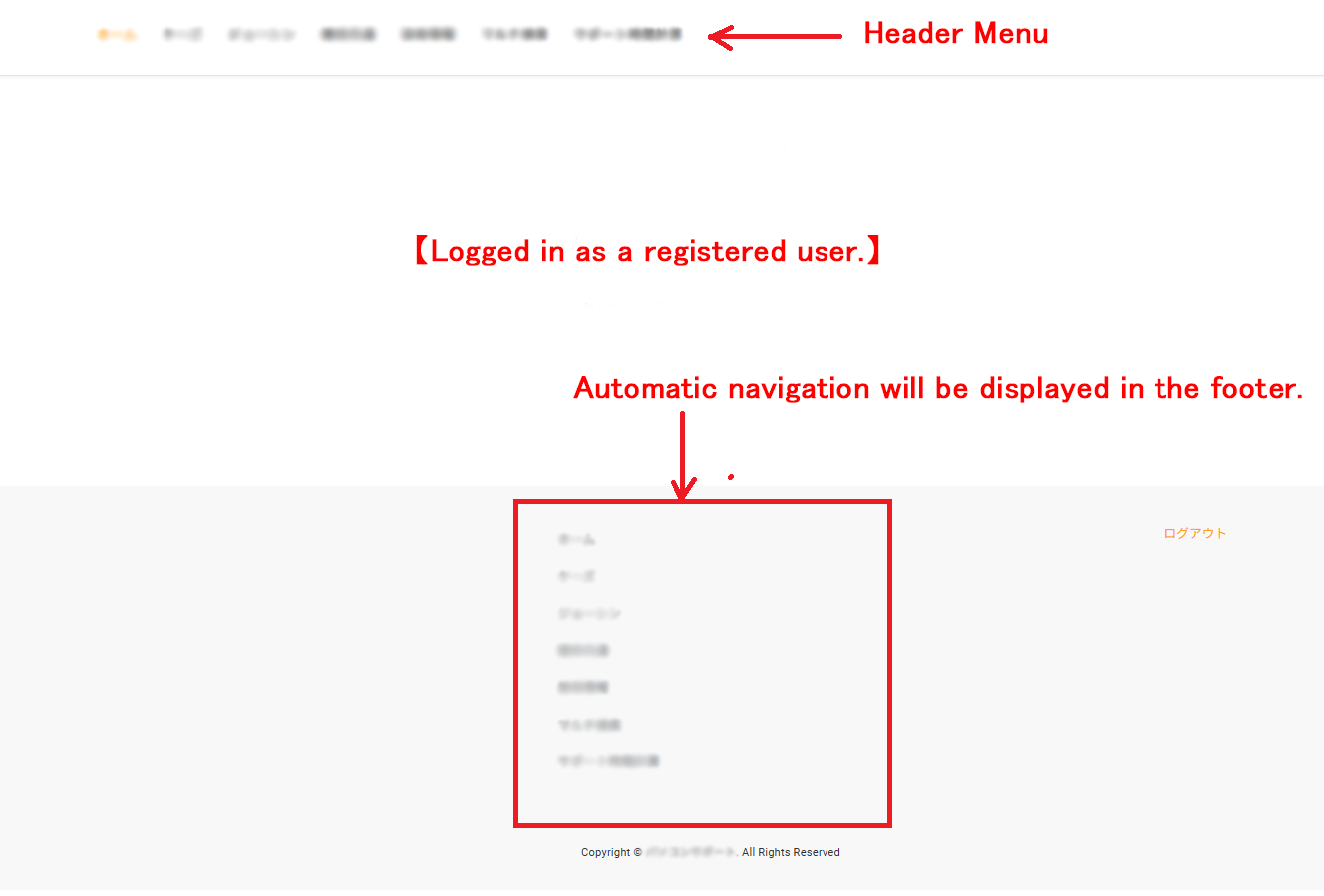
I'm using Replica Pro Theme with ConcreteCMS 9.4.8, and the Auto Navi in the header doesn't appear when I log in as an administrator, but it does appear in the footer when I log in as a registered user

Thank you for always helping me.

I’m using Replica Pro Theme with ConcreteCMS 9.4.8, and the Auto Navi in ​​the header doesn’t appear when I log in as an administrator, but it does appear in the footer when I log in as a registered user.

The header navigation template in the Replica Pro Theme is set to Megane Navigation.

Please see the attached two images. (The navigation items are blurred.)

I have tried clearing the cache and changing browsers, but the problem persists.

I have not set up any auto-navigation blocks in the footer.

The only thing I can think of is that I set the user permissions to advanced mode because I wanted to restrict which files could be viewed.
I apologize for the trouble.

Thank you for your help.

I’ve temporarily worked around this by adding the following CSS, but please let me know if there’s a correct solution.
Thank you in advance.

}
body:not(.ccm-toolbar-visible) footer .ccm-block-autonav,
body:not(.ccm-toolbar-visible) footer ul.nav,
body:not(.ccm-toolbar-visible) #ccm-mobile-navigation-wrapper {
display: none !important;
}
body:not(.ccm-toolbar-visible) .ccm-main .ccm-block-autonav {
display: block !important;