Thank you for your continued support.
Another problem has occurred.
I have already asked questions on Other forums, but for the unresolved issues, I have started rebuilding the site.
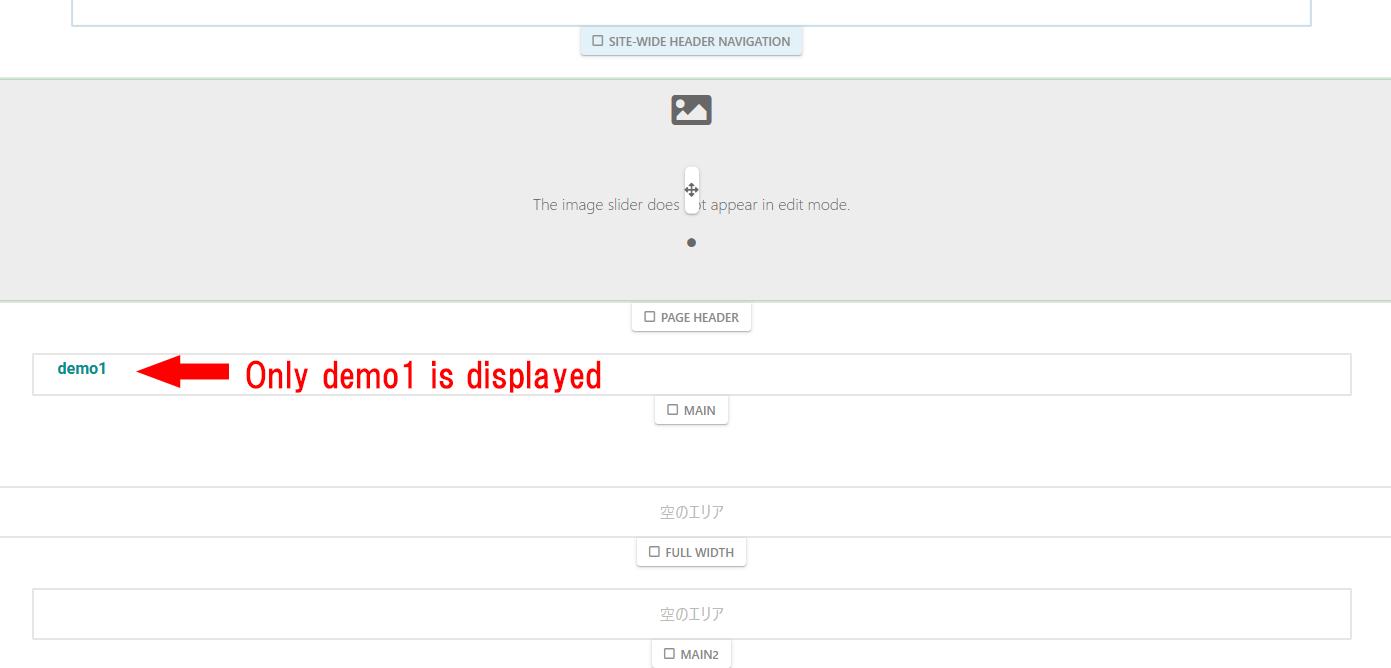
It is a very difficult task, and I cannot spend too much time on it, so I am doing my best. I have installed a new instance of ConsoleCMS 9.4.8 and Replica Pro and started manually entering the site, but even though it is a new site, the page list only displays one page below the specified page.
As shown in the image, I created pages “demo1” to “demo6” under the page “service”.
The “Exclude from page list” option is not checked in “Attributes,” but only “demo1” is displayed.
All pages are displayed in the auto-navigation.
Is there something wrong with my settings?
Incidentally, the same site displayed correctly previously.
I apologize for the trouble, but I would appreciate your guidance.

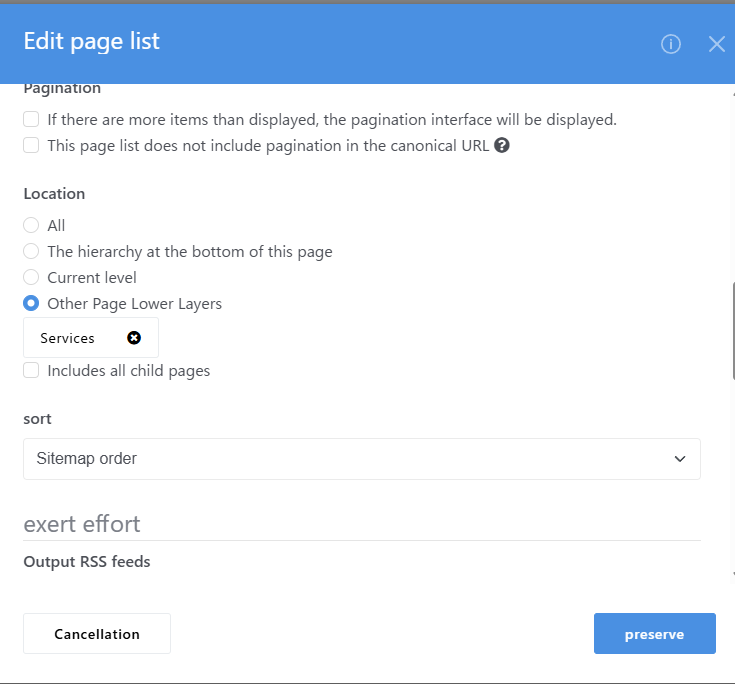
Of course, I’ve also tried clearing the cache.
The page type is correct, and I’ve also tried setting it to “All.”

I have also turned off “Full Page Cache”.