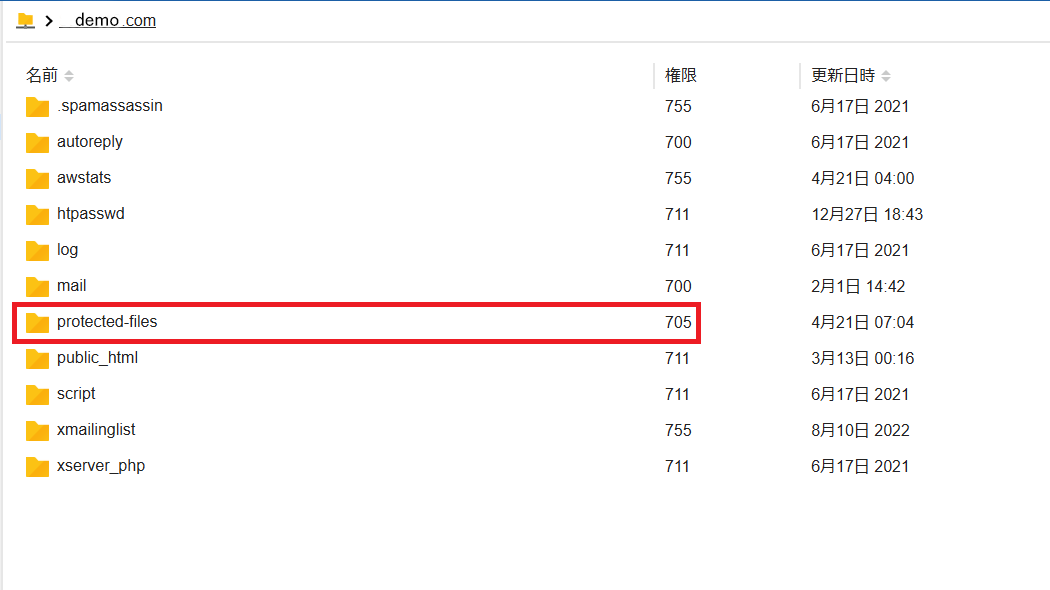
Whenever you like.
I usually keep these “protected” files “near” the webroot.
For example, if your webroot (that is, where Concrete is installed) is at
/var/www/my-site
I create a directoly like
/var/www/my-site-protected-files
Since your “protected” files are the directory where Concrete is published, those may also be served by your web server (apache or nginx or whatever), without passing through Concrete.
Hackers may try to guess your protected file URLs, trying for example accessing
If you can upload files from Concrete without errors, that means that the permissions are ok.
A physical directory in the file system:
can’t be assigned to more than one Storage Location
can’t be used by more that one ConcreteCMS installation
So, if you use the “multisite” feature of ConcreteCMS (that is, one Concrete for multiple websites) you can use the physical for all the sites managed by ConcreteCMS.
If instead you have multiple ConcreteCMS installations, you should have one physical directory for every ConcreteCMS.