We have a client website using Community Store with 2500+ products. The product list and product detail pages are slow with a server response time of 4-5 seconds.
Other pages such as Contact us and About are much much faster.
It doesn’t seem to be the autonav block - I did some testing with all navs removed and there wasn’t much of a difference if any.
We’ve enabled all the caching. For now we’re using LS Cache to speed up the pages, but I was wondering if there is a fix for a site with a large number of pages in one location, e.g. /products/*
The site is a few years old on v8 with Community Store v.2.3.4
Thanks in advance.
A simple product list shouldn’t be slow. However, if you have product variations and options, that could do it.
Even pages without the product list or product block are slow, if they are at the /products/* level where the 2500 product pages are.
It’s like it has to go through all those pages for some reason - slow DB queries I guess.
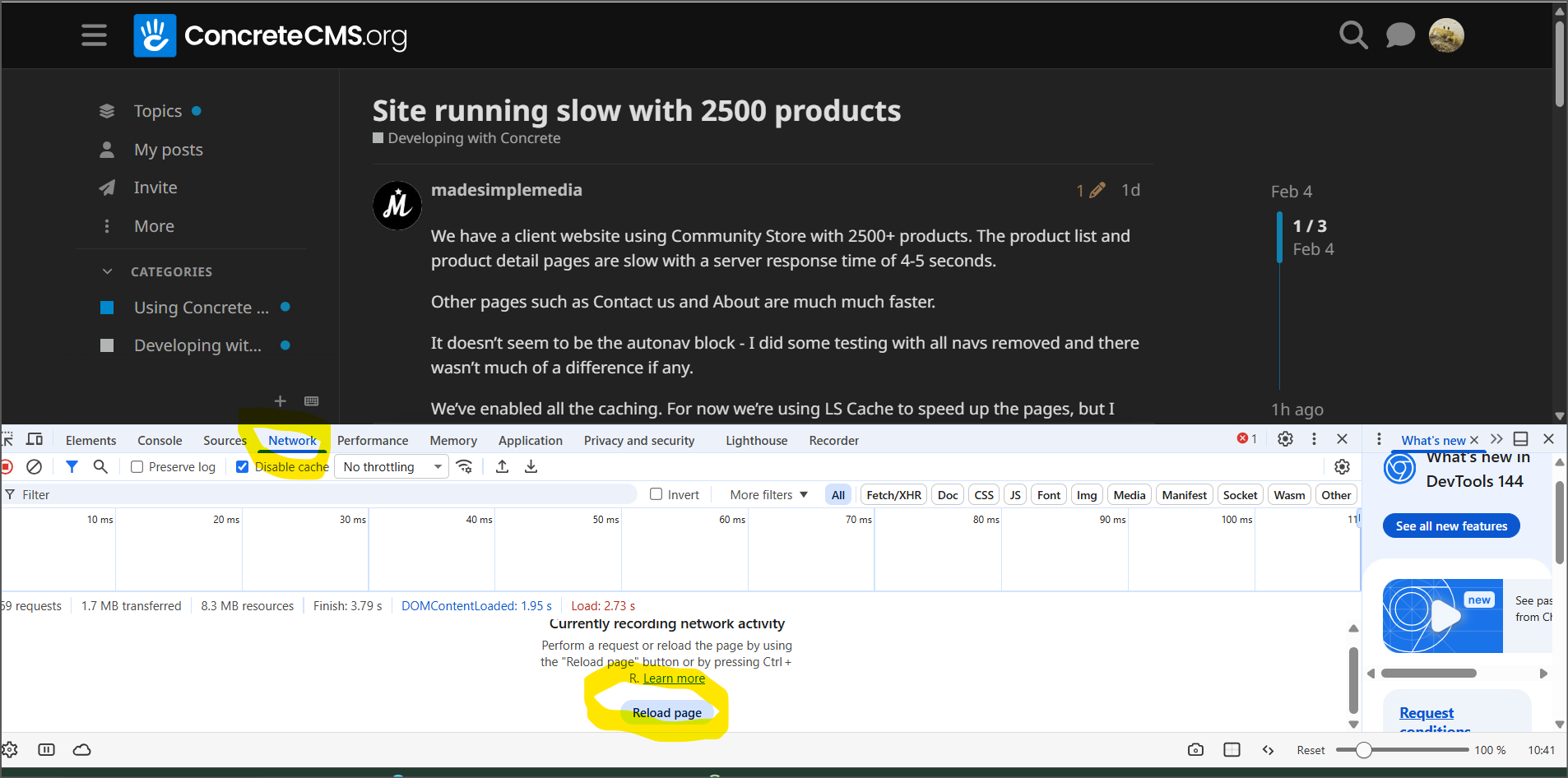
Have you tried your browser’s inspection tools (right click, select Inspect, or Developer Tools/Inspect)? Selecting Network and reloading the page will display how long each element of the page takes to load. Perhaps it will help isolate the problem.
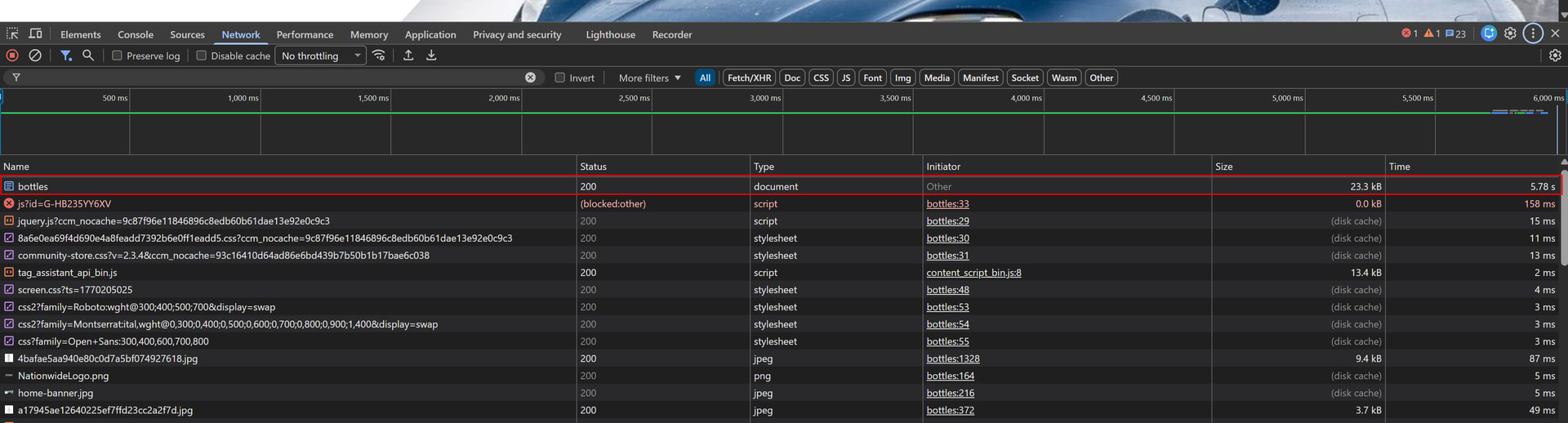
It’s not down to page assets, it’s a slow TTFB / server response time, so you just see it on the first line:
I found an interesting web page created by Nour Ackaly (@mnakalay) on the topic of ConcreteCMS Autonav optimization if that’s the problem: Concrete5 speed boost - streamline your Autonav block - Kalmoya.com
It’s not the autonav blocks