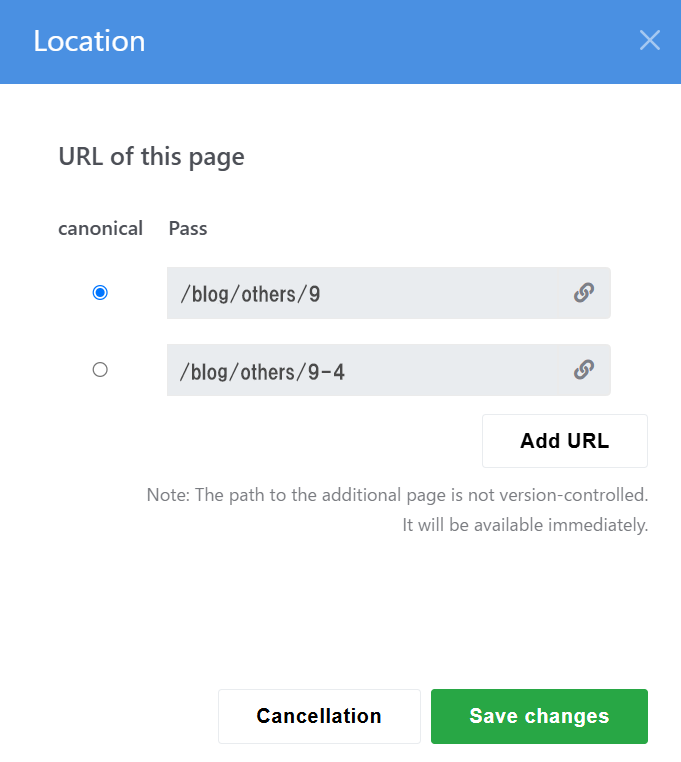
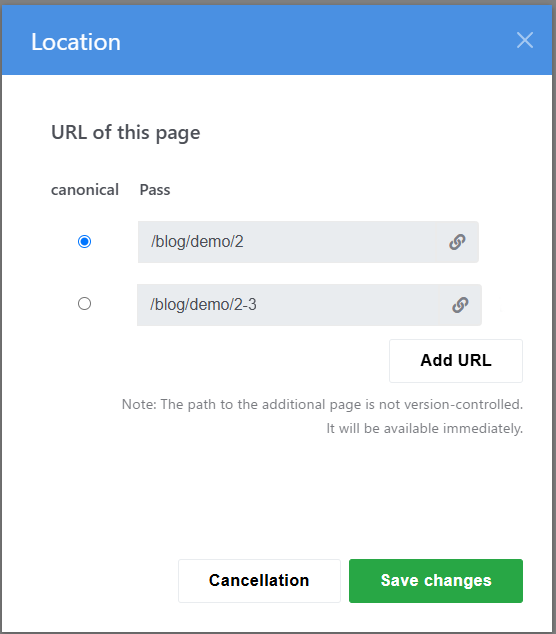
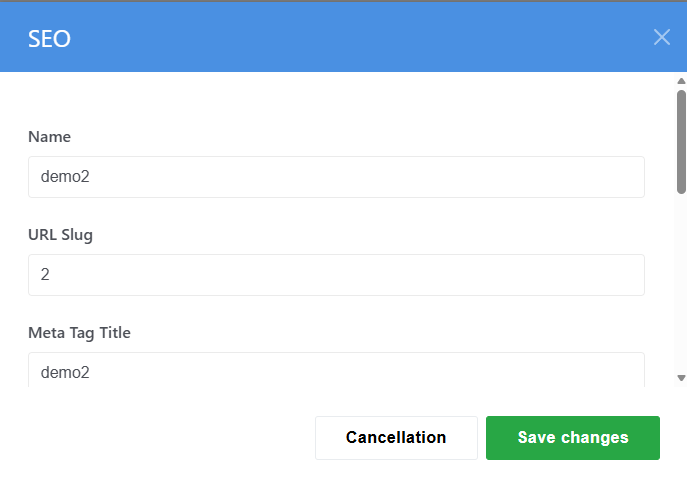
I’m having trouble with a problem where accessing a blog page URL displays a different page.
The blog titles are listed in the correct order in the sitemap, but accessing them displays a different page.
It seems quite complex, so I considered migrating all the articles to a backup site and manually creating them one by one, but I gave up on that idea because there are so many pages.
you have pages which are using the same location. The page with the lowest ID will win. compare the location settings for the original page and the page that gets displayed.
Currently, I’m duplicating the site and manually copying and pasting blog posts from the old site. However, when I access the old site’s URL “demo2,” “domo3” is displayed instead, preventing me from viewing the “demo2” posts and thus preventing me from duplicating the blog.
A strange phenomenon is occurring where pages that exist in the sitemap are displayed when accessed.
I would like to somehow display the old blog page “demo2.” Is there any way to do this?
Thank you for your guidance.
Thank you.
The path blog/demo/2-3 does not actually exist.
However, accessing it sometimes displays the blog/demo/3 page; does this mean it would be difficult to fix?
Thank you.
I searched the database for “PagePaths” but found zero matches. Since it is proving too difficult for me to handle, I will copy the site manually.
The ConcreteCMS system is still not very robust when it comes to making changes to pages or sites.
I look forward to seeing how it evolves in the future.
I’m curious if its only when you use the previous and next block that you are getting the wrong pages? I recently ran into that issue and had to make sure “exclude from nav” wasn’t turned on for the sub-pages, and instead turn on “exclude sub-pages from nav” on the top list page.
Or are you clicking a link for one page and landing on another? I found an issue like that when I deleted a page and tried to use the same url slug. I had to find it in the trash and remove the duplicate url.
If you are in the sitemap and click on a page and then click visit, does that always take you to the correct page?
When I clicked on a page in the sitemap and then clicked “Visit,” it never redirected me to the correct page; instead, it redirected me to a different page. I manually recreated the site.